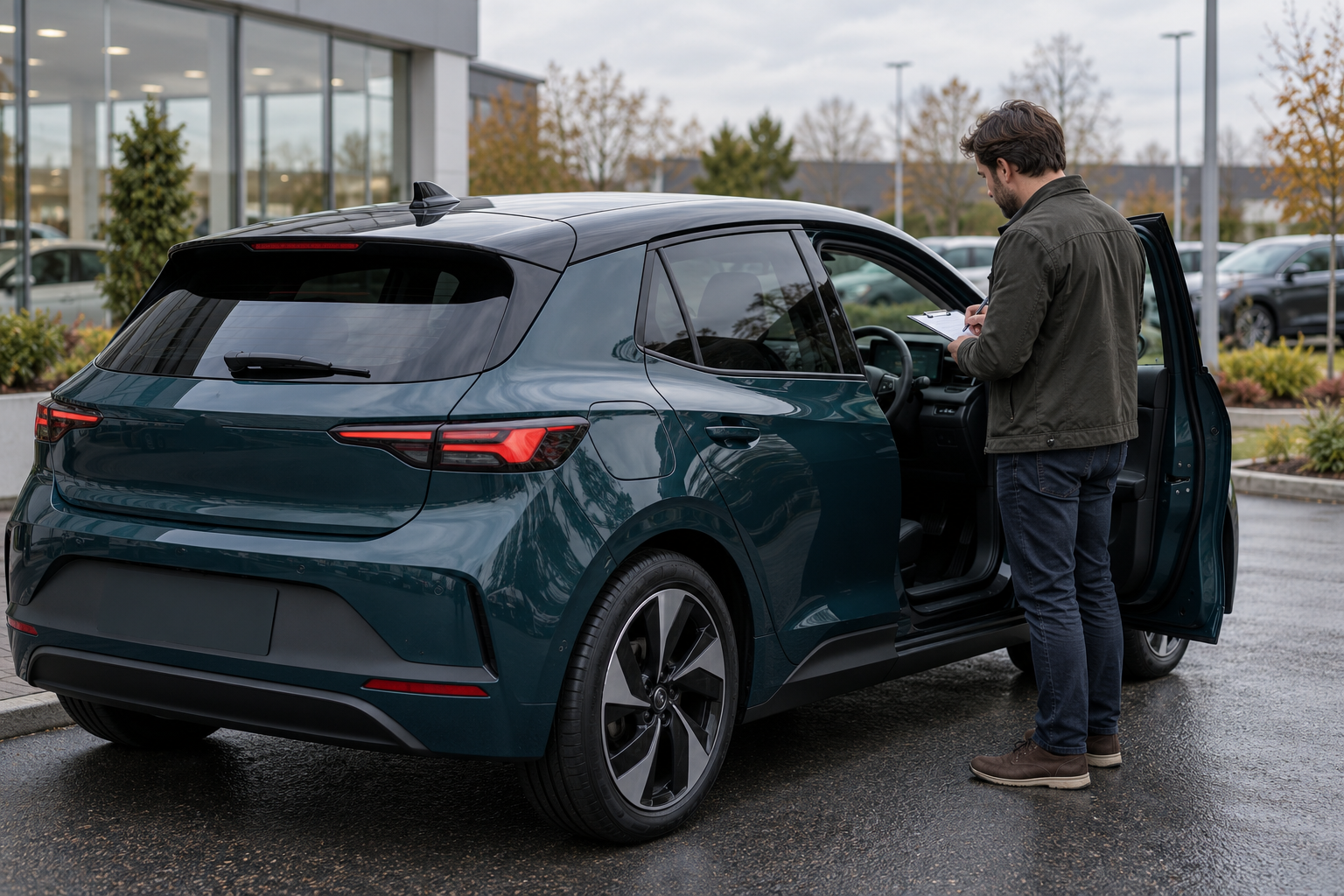
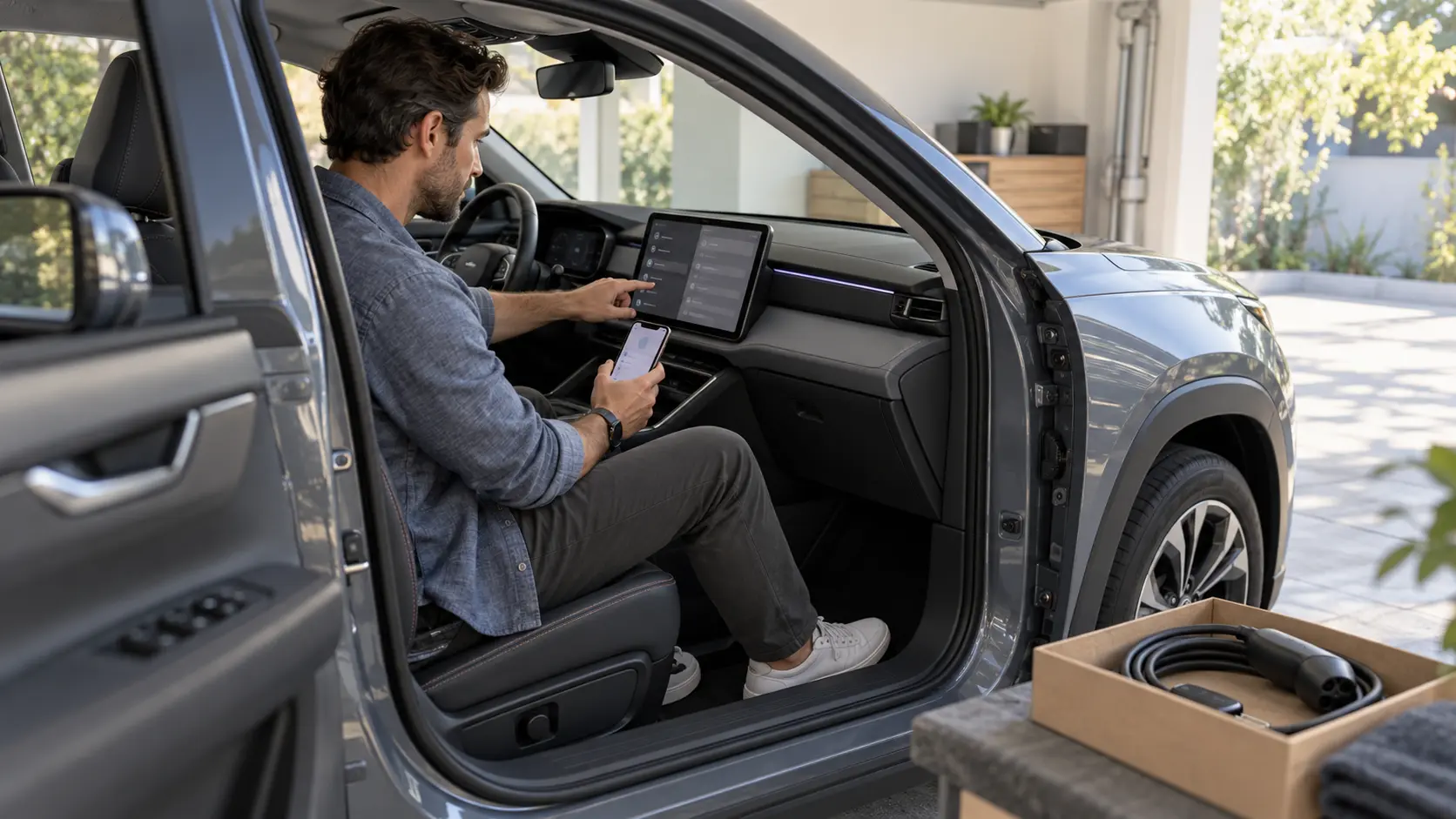
A modern car can remember more than seat positions and radio stations. Depending on the vehicle and services used, it may hold paired-device names, downloaded contacts, call history, saved navigation destinations, garage-door codes, media, account tokens and links to a manufacturer app. Some information may be stored in the car, some on a phone, and some in a provider’s account.
Before selling, trading or donating a connected car, treat the privacy handoff as a separate task from cleaning the cabin, transferring ownership or preparing the listing. This guide gives private sellers and dealership staff a practical reset workflow. Menus and services vary by vehicle, model year, software version and region, so use the applicable owner’s manual, manufacturer website and authorized support. The illustration above is fictional and shows no real customer, vehicle, account or interface.
1. Inventory every connection before deleting anything
Start with a short list of what you connected during ownership. Do this while you still control the accounts and can confirm which phone, profile and subscription belongs to whom.
| Area to review | Examples to look for | Likely action |
|---|---|---|
| Vehicle profiles | Driver names, seat and climate preferences, profile PINs, digital-key users. | Remove each personal profile using the manufacturer’s instructions. |
| Paired devices | Bluetooth phones, USB-connected devices, Wi-Fi hotspot clients. | Delete devices in the vehicle and remove the vehicle from each phone. |
| Communications | Downloaded contacts, favorites, recent calls and messages. | Delete local copies and confirm they no longer appear. |
| Navigation | Home, work, recent destinations, favorites and routes. | Clear saved and recent locations; check cloud-synced profiles separately. |
| Access controls | Garage-door, gate or building-access programming. | Erase learned codes according to the applicable system instructions. |
| Media and apps | Streaming logins, stored music, browser sessions and app tokens. | Sign out, remove local content and revoke access when available. |
| Manufacturer services | Remote start, lock/unlock, location, charging and vehicle-status apps. | Remove the vehicle from the account or transfer it through the supported process. |
| Subscriptions | Mobile hotspot, satellite radio, charging, toll or data services. | Cancel, transfer or update the vehicle association with the provider. |
| Removable items | USB drives, memory cards, toll tags and aftermarket trackers. | Remove personal hardware unless it is expressly included in the sale. |
The FTC’s consumer guidance on clearing data before selling a car specifically identifies contacts, app login information, stored media, navigation locations and garage-door codes as information to address. It also warns that a factory reset may not end subscriptions or disconnect external apps.
2. Preserve what the buyer legitimately needs
Privacy cleanup should remove your information, not erase truthful vehicle evidence or withhold included equipment. Before resetting, save only the records that belong in your own files or the buyer’s handover pack.
- Keep service invoices and repair records separately from the infotainment system.
- Preserve the current odometer reading, listing photos and agreed included-item list.
- Retain applicable warranty, service-contract and subscription-transfer documents.
- Keep proof that a manufacturer account or digital key was removed when the process provides it.
- Do not delete diagnostic trouble codes, clear warning lights or disconnect a battery to make a condition appear better.
- Do not reset the vehicle before recording information required for a legitimate inspection or transaction.
A personal-data reset is not a mechanical repair and should never be described as one. If a warning, fault or unavailable feature exists, handle it in the condition description and inspection process rather than trying to make it disappear during privacy cleanup.
3. Remove data stored inside the vehicle
Work through the vehicle menus in a deliberate order. Delete individual profiles and paired devices first when that helps you verify each item. Then use the manufacturer’s supported reset procedure if the vehicle provides one.
- Park safely, keep the required key present and make sure the vehicle has adequate power for the documented process.
- Delete each paired phone and Wi-Fi connection.
- Clear contacts, recent calls, messages and communication favorites.
- Remove home, work, favorites, recent destinations and saved routes.
- Sign out of streaming, browser, marketplace and other in-vehicle accounts.
- Delete driver profiles, names, avatars, voice data and personalization where supported.
- Erase garage-door or gate programming using the applicable instructions.
- Run the supported personal-data or factory-reset function only after the above checks.
Do not improvise hidden service-menu steps, software modifications or battery procedures. NHTSA’s vehicle cybersecurity overview explains that modern vehicles depend on interconnected electronics, sensors and software. Use owner-facing controls and official support rather than experimenting with systems that may affect safety or vehicle operation.
4. Disconnect the car from every phone and device
Deleting a phone from the car is only half of the pairing. On each phone or tablet that was used with the vehicle, forget the Bluetooth connection, remove the Wi-Fi network and review connected-car permissions. If a digital key exists, follow the manufacturer’s process to revoke it rather than merely deleting the app icon.
The FTC’s guidance for privacy in connected rental cars recommends deleting a paired device from the vehicle and limiting unnecessary permissions when connecting. The same device-side review is useful before a vehicle changes owners.
5. Unlink cloud accounts and remote-control apps
A reset performed on the dashboard may not remove server-side data, active remote access or a vehicle association in an app. Open the manufacturer account and any connected-service accounts separately.
- Remove the vehicle from the outgoing owner’s account through the documented process.
- Revoke other drivers, shared digital keys and household access.
- Turn off or transfer paid connectivity, hotspot and remote-service plans.
- Review charging, toll, parking and insurance-related apps that identify the vehicle.
- Remove stored payment methods where relevant.
- Keep a confirmation number or dated screenshot without retaining another person’s information.
The FTC’s 2024 discussion of cars and consumer data notes that connected vehicles can collect sensitive information, including location and biometric data. In January 2026, the FTC finalized an order concerning GM and OnStar that included requirements related to connected-vehicle data, consumer access and deletion requests. That specific enforcement order is not a universal reset procedure for every brand; it is a reminder to check the actual company’s account controls and privacy-request process.
6. Close the subscriptions that a factory reset cannot close
Contact each provider when the account continues outside the vehicle. A dashboard reset may leave billing or account relationships untouched.
- Satellite radio and in-car entertainment
- Vehicle Wi-Fi or mobile-data plans
- Public charging or home-charger accounts
- Toll, parking and access services
- Roadside assistance or location services
- Aftermarket telematics, dashcams and trackers
Decide whether each service is being canceled, transferred or moved to another vehicle. Record the effective date and do not promise the buyer that a service transfers unless the provider confirms it.
7. Verify the cleanup without adding your data back
After completing the supported reset, restart the system and inspect it as a new owner would. Do not pair your main phone again just to test it.
| Check | Expected privacy result |
|---|---|
| Phone list | No outgoing owner’s device names remain. |
| Contacts and calls | No downloaded contacts, favorites or recent communications appear. |
| Navigation | No home, work, recent or saved personal destinations remain. |
| Media and apps | No personal library, browsing session or signed-in account is accessible. |
| Profiles and keys | No outgoing driver profile, shared digital key or remote-control user remains. |
| Garage access | No learned home or office access code is retained. |
| Remote app | The outgoing account can no longer locate, unlock, start or view the vehicle. |
| Subscriptions | Each service has a documented cancel, transfer or replacement status. |
If an item remains, consult the owner’s manual, manufacturer support or an authorized dealer. Do not hand over account credentials to solve an ownership-transfer problem.
8. Add a privacy gate to dealership intake and delivery
Dealers accepting a trade-in or buying used inventory can separate three responsibilities: the outgoing owner removes account access, staff perform the approved vehicle reset, and a reviewer verifies that obvious personal data is gone before photography or delivery. The FTC’s business guidance, Be discreet when you delete your fleet, recommends clearing contacts, destinations and other stored data and breaking connections between the vehicle and external devices or apps.
Use a short unit record with the stock number or VIN, reset method, reviewer, date, remaining exceptions and who owns the next action. Do not copy the previous owner’s contacts or locations into inventory notes. If a reset requires credentials that staff should not receive, ask the owner to complete the account-side step directly.
Fictional example: one car, three separate resets
The following example is fictional and is not an AutoDream customer or real vehicle handover.
A seller prepares a gray crossover for trade-in. The center screen contains two paired phones, a home address, recent destinations and a streaming login. A manufacturer app still shows remote lock and location access, and a separate hotspot subscription renews monthly.
The seller preserves service records and the current odometer, deletes paired devices and locations, signs out of media, erases the garage code and runs the supported vehicle reset. Next, the seller removes the crossover and shared digital key from the manufacturer account. Finally, the seller cancels the hotspot through the mobile provider.
After restart, the vehicle shows no contacts, destinations or profiles. The old app cannot control the car, and the provider confirms the subscription end date. The seller gives the dealer the keys and agreed accessories—not account passwords.
Connected-car privacy checklist
- List every driver profile, paired device, app, digital key and subscription.
- Save legitimate service and transaction records outside the vehicle.
- Do not clear warnings or diagnostic evidence to change the apparent condition.
- Delete paired phones, contacts, calls and messages.
- Clear home, work, favorites, recent destinations and routes.
- Sign out of in-vehicle media, browser and app accounts.
- Erase garage-door and gate-access programming.
- Remove personal profiles and stored media.
- Run only the manufacturer-supported personal-data or factory reset.
- Forget the car from each phone and revoke digital keys.
- Remove the vehicle from manufacturer and remote-control accounts.
- Cancel or transfer hotspot, satellite, charging, toll and other subscriptions.
- Remove personal USB drives, toll tags and aftermarket trackers.
- Restart and verify the system without pairing your phone again.
- Record unresolved exceptions and get official support.
- Hand over keys and included equipment—not personal credentials.
A clean privacy handoff has more than one layer: data stored in the car, connections stored on devices, access held in cloud accounts and billing held by service providers. Check each layer separately so the next owner receives the vehicle—not your digital life.
Ready to list your car?
Put your vehicle details and photos together, then start your listing on AutoDream.
Create your listing