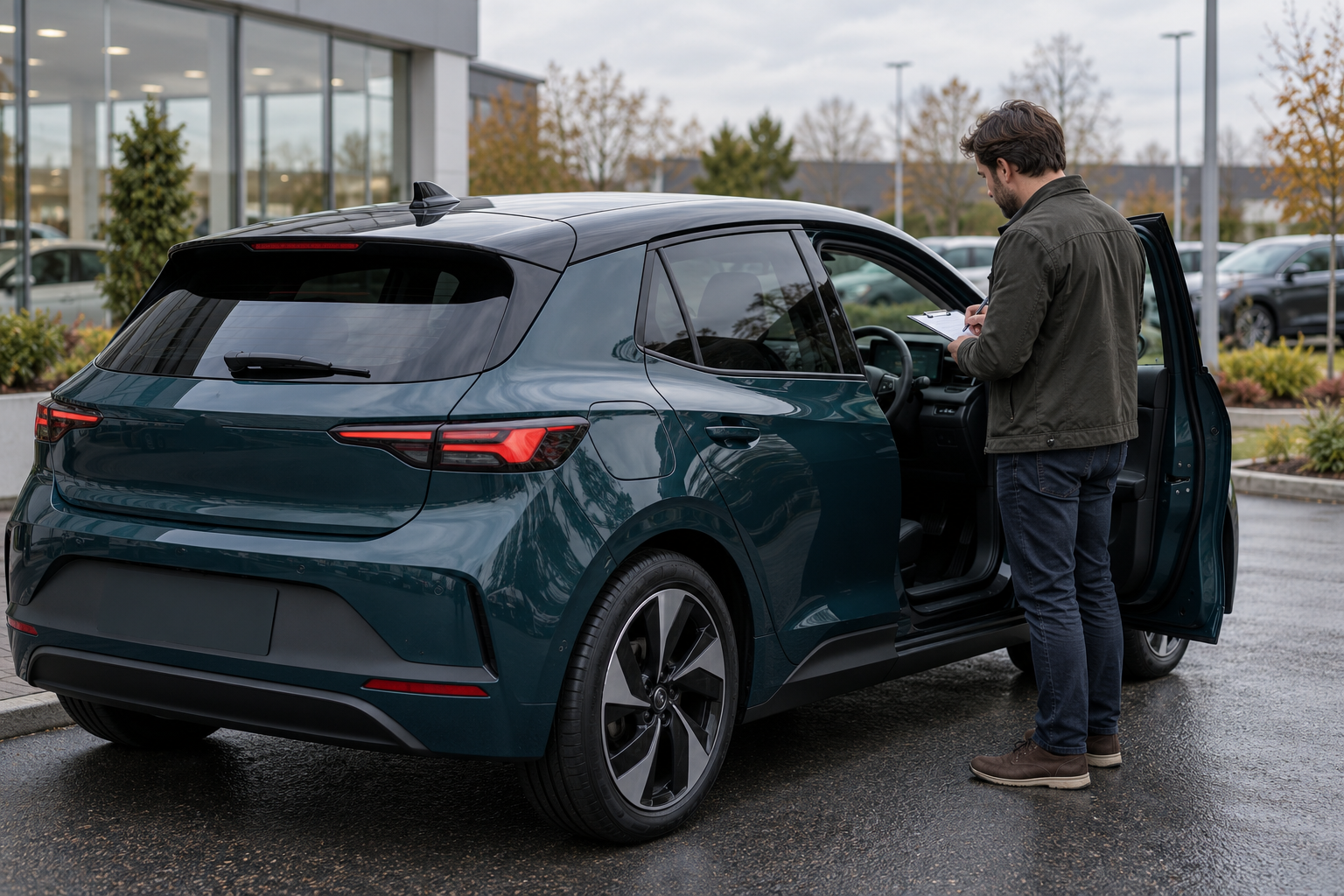
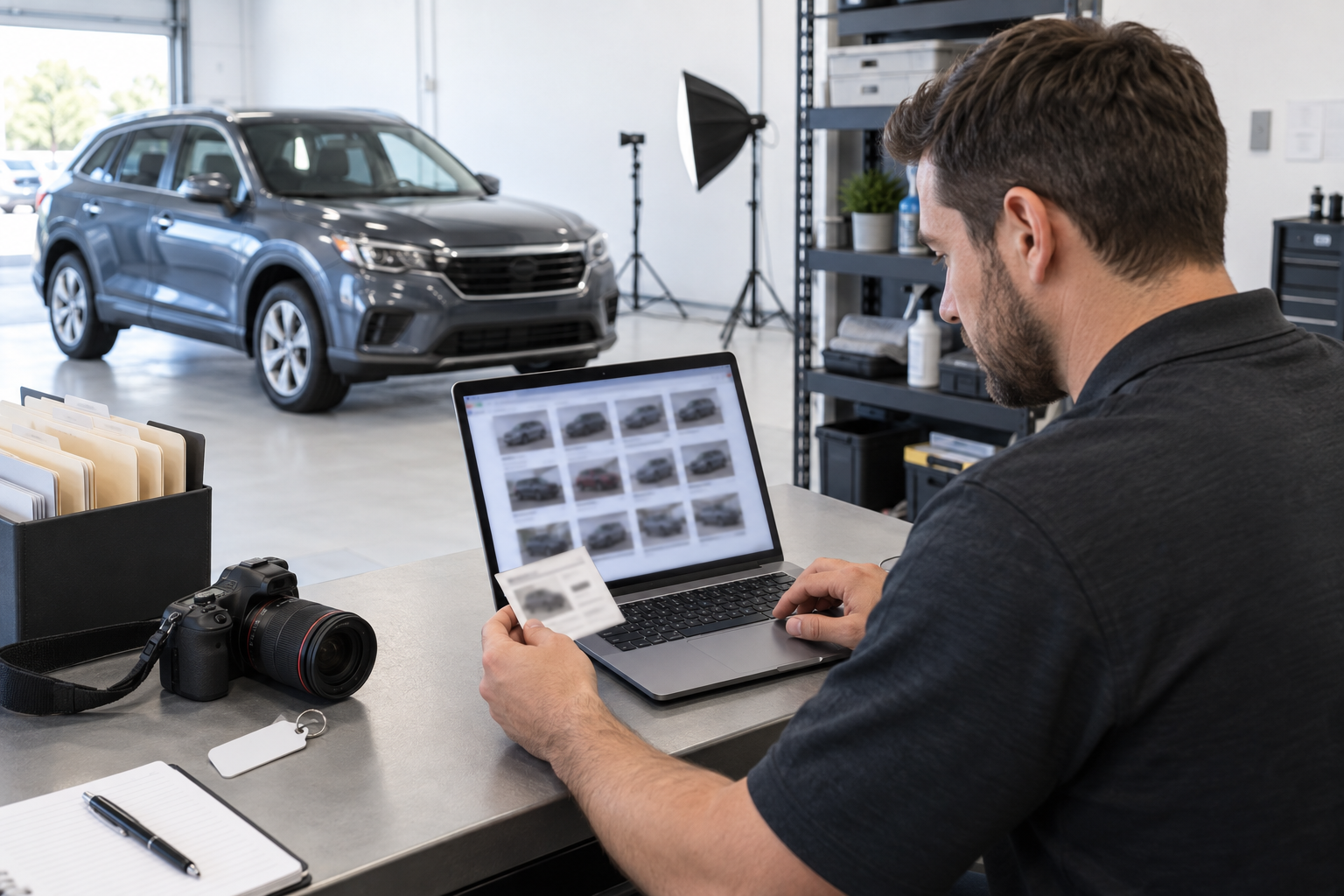
A dealership can take excellent vehicle photos and still create a listing problem if the files are attached to the wrong car, mixed with an older photo session or published before review. The fix does not have to be complicated. A stable vehicle identifier, a predictable file name, a small folder structure and one approval record can make every image traceable.
This guide is about file control, not camera technique. It does not assume that AutoDream or another marketplace renames, stores, synchronizes or archives dealership photos automatically. The illustration above is fictional and does not show a real inventory system, vehicle or employee.
1. Choose one vehicle key before anyone takes a photo
Use the dealership's stable internal stock number or another approved inventory identifier as the anchor for the entire photo set. The same key should appear on the work order, folder name, file names and review record. Year, make, model, color or parking position can help a person recognize the car, but none is unique enough to be the primary key.
Do not use a salesperson's name, a customer's name, a phone number or a temporary lot description such as “blue SUV by gate” as the identifier. Avoid putting a full VIN into every public-facing file name unless the dealership has deliberately approved that practice. Keep the authoritative VIN-to-stock relationship in the approved inventory system, then use the less revealing stock key for routine photo handling.
Before the first image, match the physical vehicle to the approved stock record. Confirm at least the stock key, year, make, model and one additional distinguishing detail. If two similar vehicles are parked together, finish and close one photo session before opening the next.
2. Give every vehicle the same folder template
A small dealership can use a shared drive or another approved storage system with one active-inventory folder and one folder per vehicle:
vehicle-photos/
  active/
    stock-1842_2020-crossover/
      00-original/
      10-review/
      20-approved/
      30-published/
      session-record.csv
  retired/
00-original holds the files copied directly from the camera or approved mobile device. Treat those as read-only source files. 10-review contains working copies selected for checking. 20-approved contains only the images that passed the current review. 30-published records the exact resized or reformatted set delivered to each listing channel.
Do not create new folder names for every employee. Use one template and one location that the team recognizes as authoritative. The National Archives' platform-independent naming guidance recommends descriptive, consistent and meaningful names and keeping components such as dates and versions in the same position. That federal guidance is not a dealership rule, but the organizing principle transfers well.
3. Use a file name that answers four questions
A useful file name identifies the vehicle, capture date, view and sequence. For example:
stock-1842_20260920_ext-front-3q_01.jpg
stock-1842_20260920_int-driver-seat_12.jpg
stock-1842_20260920_detail-rear-bumper_24.jpg| Component | Purpose | Rule |
|---|---|---|
stock-1842 | Links the image to one inventory record. | Never reuse the key for another vehicle. |
20260920 | Shows when this image was captured. | Use year-month-day in a fixed eight-digit order. |
ext-front-3q | Names the view. | Choose codes from a short team list. |
01 | Keeps images in a planned sequence. | Use leading zeros so files sort correctly. |
.jpg | States the actual file format. | Do not change only the extension to convert a file. |
Use lower-case letters, numbers, hyphens and underscores consistently. Avoid spaces, punctuation, emoji, “final-final,” employee initials as the only description and camera-generated names such as IMG_4821. NARA's naming guidance specifically favors platform-independent characters and a consistent order; its digitization guidance also explains that basic who/what/where/when metadata helps people find and identify files later.
4. Maintain a short view-code list
The team should not invent a new description for the same angle each day. Start with a practical list and add codes only when the listing process truly needs them:
ext-front,ext-front-3q,ext-driver,ext-rear,ext-rear-3q,ext-passenger;int-dash,int-odometer,int-driver-seat,int-rear-seat,int-cargo;detail-wheel-fl,detail-engine-bay,detail-key-set,detail-damage-rear-bumper.
Codes should describe what the image actually shows. Do not call a photo damage if the condition is not visible, and do not call a dashboard image odometer if the displayed mileage cannot be read in the approved original. If a defect needs three views, keep the same condition label and add wide, context and close.
5. Close each capture session before starting another vehicle
A safe photo session has a beginning and an end. At the start, the photographer opens the correct vehicle folder and records the stock key and capture time. At the end, they compare the first and last images with the same physical vehicle, count the files and mark the device copy as complete before moving to the next car.
If images must be captured offline, use a temporary session folder named with the stock key and date, then transfer that entire folder into the approved location. Do not pool a day's images from many cars into one unsorted upload directory and rely on memory later.
Keep a minimal session record with:
- stock key and vehicle description;
- capture date and time zone;
- photographer or responsible role;
- original-file count;
- missing required views;
- known condition details that need a dedicated image;
- reviewer, approval time and approved-set identifier;
- the channels that received the set.
The record is an operational index, not a place for customer information or unrelated employee notes.
6. Preserve originals and create derivatives deliberately
Do not overwrite the only original while cropping, rotating, correcting exposure, obscuring information under dealership policy or resizing for a channel. Copy the selected file into the review folder and give the derivative a clear suffix when needed, such as _web-v01. If a revised export replaces it, use _web-v02 and record which version became the approved set.
Editing must not make a vehicle's condition misleading. Do not remove scratches, warning lights, dents, stains or other relevant condition evidence. Routine framing or exposure correction should preserve what the source image shows. If privacy or security requires obscuring something, keep the protected original under appropriate access and document the derivative instead of pretending the source never contained it.
7. Put a five-part gate before “approved”
- Identity: Does the stock key match the vehicle and authoritative inventory record?
- Recency: Does the capture date match the current condition and mileage review?
- Completeness: Are required exterior, interior, odometer, cargo, wheel and known-condition views present?
- Truthfulness: Do edits, captions and order preserve the vehicle's actual visible condition?
- Privacy and security: Are incidental faces, customer documents, access codes, computer screens, home addresses and unrelated license plates handled under dealership policy?
Only a reviewer—not the act of copying files—moves images into the approved set. Record the reviewer and time. If the vehicle changes after approval, the old set remains traceable but no longer represents the current listing.
The FTC's Start with Security guide advises businesses to control access sensibly, store sensitive personal information securely and protect it during transmission. Apply those principles to photo folders: give staff only the access they need, use approved accounts and sharing methods, and do not leave source images in personal messaging apps or unmanaged devices.
8. Record the exact set sent to each channel
A “published” folder should answer which files were delivered, where and when. Some channels may receive different sizes, formats or image orders. Keep a small manifest instead of assuming every public listing has the same set:
| Field | Fictional example |
|---|---|
| Approved set | stock-1842_set-20260920-a |
| Channel | Example marketplace |
| Files | 01–24, excluding internal condition-reference image 25 |
| Order | Front three-quarter first; odometer image 14 |
| Delivered | September 20, 2026, 10:15 a.m. Pacific |
| Checked by | Inventory reviewer role |
This does not prove that a marketplace accepted, displayed or retained every image. Verify the resulting public listing through the channel's approved review process. If a file is rejected, record the replacement rather than silently changing the local approved set.
9. Start a new dated set when the vehicle changes
Take a new photo set when mileage, visible condition, included accessories, wheels, repairs or other listing-relevant facts change materially. Do not overwrite September photos with October photos under the same names. Create a new capture date and approved-set identifier, then retire the prior set from active publishing.
When the vehicle is sold or otherwise removed from inventory, move its complete folder into the dealership's approved retired-inventory process. Do not delete files ad hoc or keep them forever by habit. Retention requirements and business needs vary, so the dealership should define a policy with its legal, compliance and IT advisers.
10. Back up the authoritative photo library
Camera cards, phones and individual laptops are transfer points, not the only archive. NARA's digitization guidance recommends three copies on two media with one copy off-site. A dealership can adapt that resilience principle to its own approved storage, cost, retention and security requirements. Test that authorized staff can restore a sample folder; an untested backup is not the same as a verified recovery.
Limit deletion and approval permissions, enable available account protections, and remove access when roles change. A folder system improves organization, but it does not replace access controls, backups, retention rules or incident response.
A complete fictional example
A photographer is assigned stock 1842, a fictional gray 2020 crossover. They confirm the stock card against the vehicle, create stock-1842_2020-crossover, capture 27 originals and record two missing views. The files are renamed in sequence, copied to 00-original and never edited there.
A reviewer places 24 working copies in 10-review, rejects one blurry wheel image and requests a close view of a rear-bumper scuff. The new images use the same stock key and date. After checking identity, completeness, visible condition and privacy, the reviewer approves set stock-1842_set-20260920-a. The marketplace export is recorded separately, including its file order and delivery time.
Three days later, the odometer changes and the scuff is repaired. The team creates a new dated set, updates the relevant listing facts and retires the earlier set from active use. They do not replace old files invisibly or claim that the old condition photos show the repaired vehicle.
Vehicle photo file-control checklist
- Assign one stable inventory key to the vehicle.
- Confirm the physical car against its approved record before shooting.
- Create the standard original, review, approved and published folders.
- Name every file with vehicle key, date, view code and sequence.
- Finish one vehicle session before starting another.
- Record the original-file count and any missing views.
- Keep originals unchanged and make edits on copies.
- Do not retouch away relevant vehicle condition.
- Review identity, recency, completeness, truthfulness and privacy.
- Record who approved the set and when.
- Keep a manifest of the files and order sent to each channel.
- Verify the public listing after delivery.
- Create a new dated set when mileage or condition changes.
- Retire prior sets without erasing their history.
- Back up the authoritative library and test restoration.
- Use approved access, sharing and retention controls.
A good photo system makes a simple promise: anyone on the team can identify which car an image belongs to, when it was made, whether it was approved and where it was used. That traceability is more valuable than a clever folder name.
Ready to list your car?
Put your vehicle details and photos together, then start your listing on AutoDream.
Create your listing