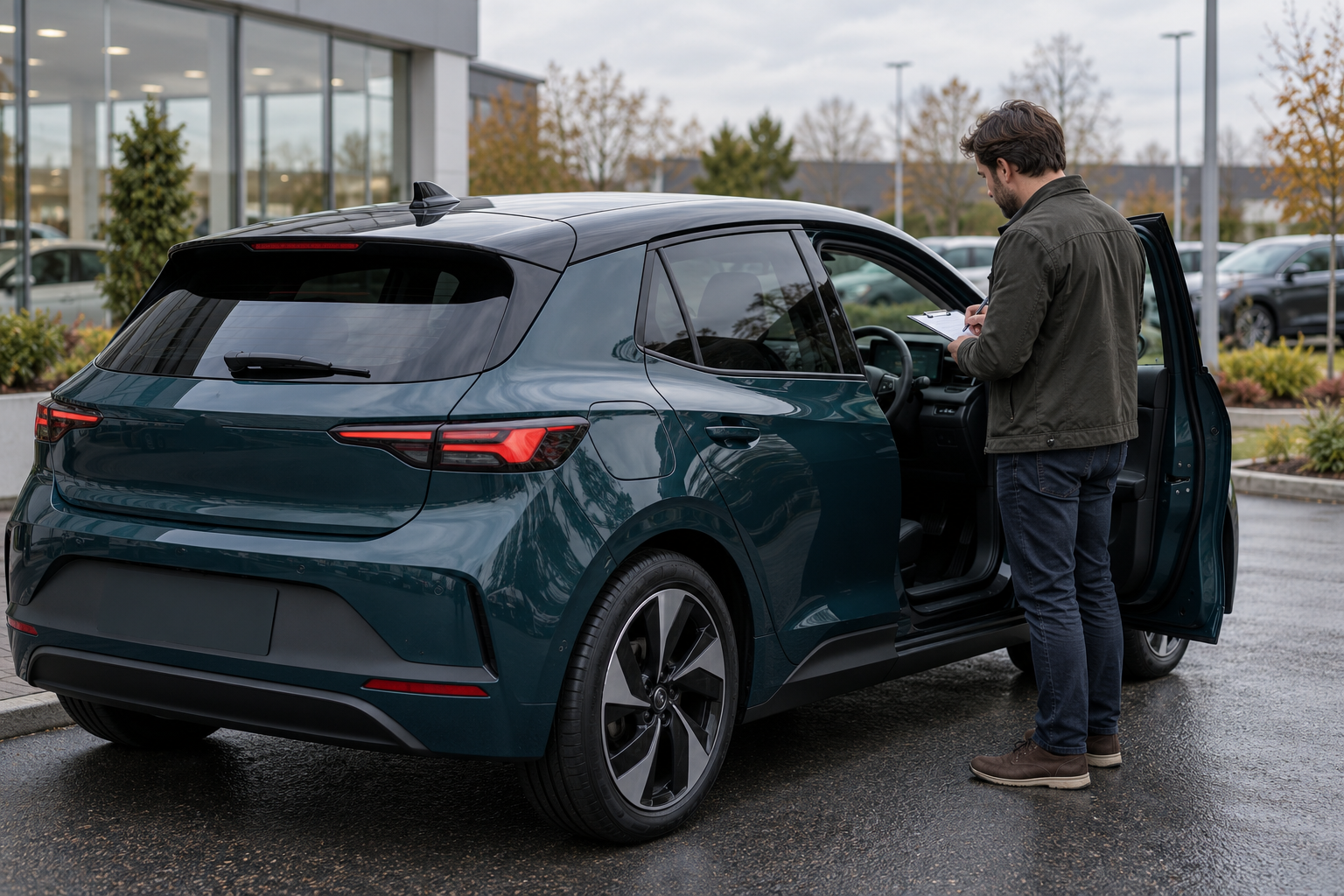
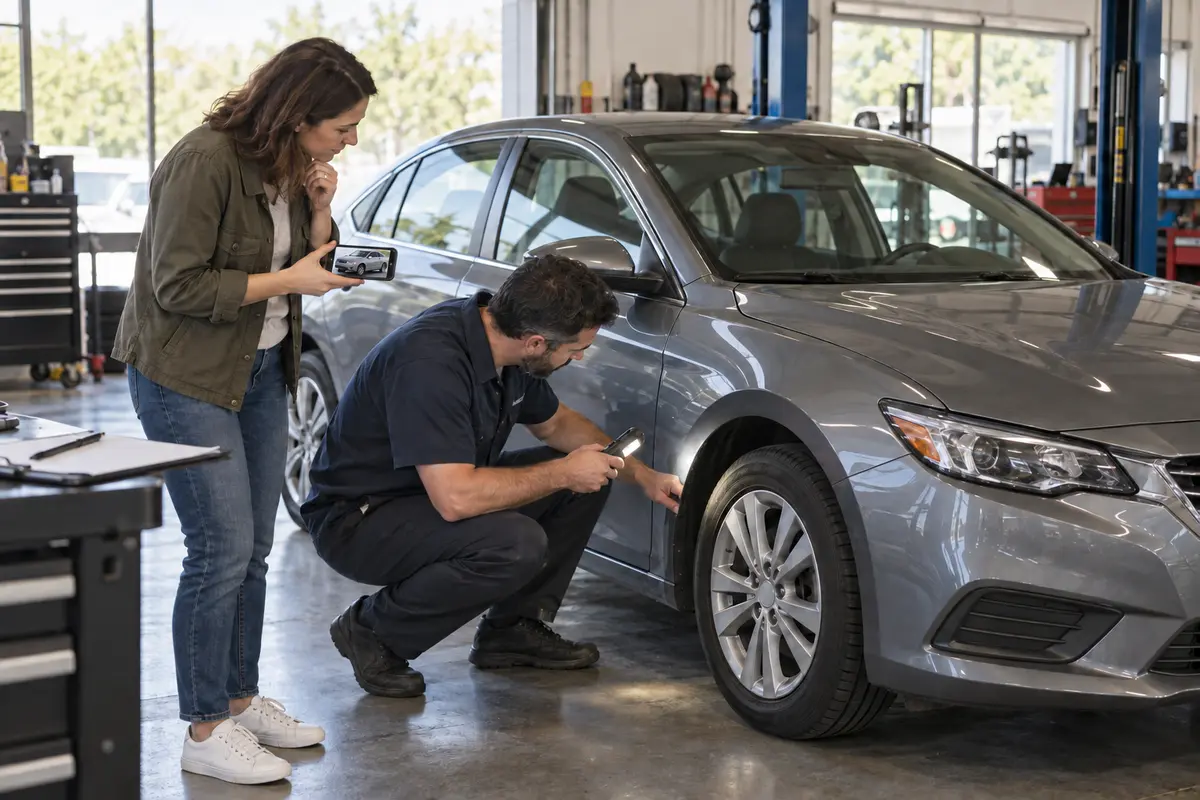
A walk-around video can answer useful questions before you travel: Is the advertised car present? Where is the visible scratch? Does the dashboard illuminate? Is the cargo area configured as described? But even a clear video is a directed view through one camera, at one moment, under conditions chosen by the person filming. It is a preview—not a title record, mechanical diagnosis, recall search, warranty document or independent inspection.
This buyer guide shows how to use video without asking it to prove more than it can. It applies whether the seller sends a recorded clip or joins a live video call. Dealer-specific rules and documents can differ from private-party sales, so confirm the terms that apply to the actual transaction. The illustration above is fictional and is not evidence of a real vehicle, seller, buyer, video or inspection.
1. Give the video one clear purpose
Start with the unanswered question, not with “send a full video.” A focused request is easier to film and easier to evaluate:
- “Please show the right-rear dent first from several feet away, then move closer and pass the light across it.”
- “Please show the odometer and warning-light check from before startup through idle, without cutting that sequence.”
- “Please demonstrate the power liftgate opening and closing once, then show the cargo floor and included cover.”
- “Please show each wheel in order—front left, front right, rear right, rear left—and pause on the tire sidewall.”
A seller can demonstrate what is visible or operating at that moment. Ask for the recording date, the vehicle identifier used in the listing and a short spoken or written note describing what was shown. Do not ask the seller to hold a phone while driving, crawl under an unsupported vehicle or perform a test beyond their skill.
2. Match every question to the right evidence
| Buyer question | What video may help show | What it cannot establish by itself | Better next check |
|---|---|---|---|
| Is this the advertised vehicle? | General appearance, color, body style and a requested view of identifying labels. | Ownership, title status, authenticity of every label or a complete build specification. | Match the full VIN across the listing, vehicle, documents and official records. |
| What visible damage exists? | Dents, scratches, stains, broken trim and panel condition that the camera actually captures. | Damage outside the frame, paint thickness, structural repair, corrosion inside cavities or the cause of a defect. | Inspect in person under useful lighting; use a qualified inspector for structural or mechanical questions. |
| Does a feature operate? | One dated demonstration of windows, lights, displays, seats, roof, liftgate or climate controls. | Intermittent faults, future reliability, every mode, subscription status or performance under all conditions. | Repeat the test in person and review records or written terms where relevant. |
| How does the engine, motor or drivetrain behave? | Startup sound, idle, dashboard indications and limited movement when safely filmed. | Internal condition, diagnostic cause, road-load behavior, battery health, leak source or remaining service life. | Independent inspection, appropriate scan or test, and a written scope and findings. |
| Are tires, brakes and the underside acceptable? | Basic visible tire condition, wheel damage and low-angle exterior views. | Accurate tread depth from a distant frame, inner-sidewall condition, brake measurements, hidden leaks or underbody condition. | Hands-on measurements and an inspection with appropriate access and equipment. |
| Has the car been damaged, branded or stolen? | Nothing conclusive; video may only reveal a current visible clue. | Complete title, brand, total-loss, odometer or theft history. | Use current title records and an appropriate vehicle-history source, then reconcile any mismatch. |
| Are recalls complete? | A seller may show a dated repair invoice or current dashboard view. | A complete recall record or a general safety guarantee. | Run a current VIN-specific NHTSA lookup and contact the manufacturer when needed. |
| What warranty or return rights apply? | A video may show a document being present. | Current coverage, transferability, exclusions, cancellation rights or promises outside the written terms. | Read the current Buyers Guide, warranty, service contract, return policy and sale documents that apply. |
If the next check is “inspection,” define its scope. A short visual inspection, a mechanical pre-purchase inspection, a body repair assessment and an EV battery evaluation are not the same service.
3. Judge the recording conditions before judging the car
Video quality changes what you can reasonably observe. Record these limits rather than filling them with assumptions:
- Continuity: cuts can be useful for a long tour, but a cut between the requested condition and the odometer may weaken vehicle matching. Ask for a short continuous sequence when identity matters.
- Lighting: glare can hide paint texture and shadows can hide interior wear. Ask for slow passes in diffuse daylight, not beauty filters or heavy correction.
- Distance: a close-up without context can hide location; a wide shot can hide detail. Request context, medium and close views of a condition point.
- Lens and motion: wide-angle lenses can distort proportions, and fast panning can blur damage. Pause the camera instead of relying on a sweeping shot.
- Sound: phone microphones, wind, traffic, walls and automatic processing can change what you hear. A recorded noise is a symptom to investigate, not a diagnosis.
- Timing: note whether the car was cold or already running, whether warning lights were shown before startup and whether the clip is live or prerecorded.
A live call lets you direct the camera and ask follow-up questions, but “live” does not make every statement accurate. Keep the same document and inspection checks.
4. Verify identity outside the video
Ask for the full VIN through a secure, appropriate channel and compare it with the vehicle, listing and transaction documents. NHTSA's VIN decoder identifies information encoded in a VIN using manufacturer-reported data. It does not establish ownership, title status, current condition or every installed option.
If the decoded identity conflicts with the listing or filmed car, pause. Do not “correct” the VIN, assume a camera reversal caused the difference or choose the version that makes the deal easier. Ask the seller to reconcile the mismatch with the actual vehicle and documents.
5. Keep video, history and present condition separate
The U.S. Department of Justice's NMVTIS consumer guidance explains that NMVTIS can provide title information, the latest reported odometer reading, brand history and, in some cases, historical theft information. Its report guidance also encourages buyers to obtain an independent inspection and consult other available sources.
These sources answer different questions:
- Video: what the selected camera view appeared to show at a particular time.
- History report: specified events reported to the data source.
- Service records: what individual documents say was inspected, recommended or completed.
- Independent inspection: dated professional observations within an agreed scope.
- Title and sale documents: the parties, vehicle and written transaction terms.
No single source proves the others. A clean-looking video does not erase a title brand. A history report does not establish current mechanical condition. A good inspection does not prove ownership or promise future reliability.
6. Run a current recall check separately
NHTSA's recall lookup can show whether a specific VIN needs repair as part of a safety recall. NHTSA also lists limits: VIN results do not display recalls already repaired, some recently announced recalls whose VINs are still being identified, certain older recalls, some small-manufacturer campaigns, non-safety campaigns or recalls involving an international vehicle.
Record the lookup date and exact result. “No unrepaired recalls displayed” is a dated search result; it is not proof that the car has no safety issue or that every prior recall repair was completed correctly.
7. Use the video to improve—not replace—the inspection
The FTC's used-car guidance for dealer purchases says a vehicle history report is not a substitute for an independent inspection and recommends an independent mechanical inspection even when a vehicle was certified or inspected by the dealer. It also advises asking for a written report with repair estimates and vehicle identity. FTC guidance for online used-car shopping likewise recommends both a history report and help from an independent mechanic.
Turn the video into a short inspection brief:
- List the exact visible condition points and their location.
- Capture a still or timestamp only as a reference, not as proof of cause.
- Write the unresolved question: “What caused the fluid trace?” is different from “confirm a transmission leak.”
- Ask whether the inspector can examine that area within the agreed scope.
- Request written findings, measurements and exclusions.
- Reconcile the report with the video, records and seller's statements.
If the seller or dealer will not permit an independent inspection, treat that as decision information. The FTC suggests considering another dealer when a dealer will not allow one. A private seller may have different logistics, but you can still decide not to proceed when your verification condition is refused.
Fictional example: from clip to decision sheet
The following scenario is fictional and is not an AutoDream listing or real inspection.
A buyer receives a four-minute video of a silver sedan. The clip shows the exterior, a cold-start claim, 64,210 miles on the display, one warning-light sequence, the trunk and a scrape on the rear bumper.
The buyer records only what is shown: the display read 64,210 miles during the clip; the right-rear scrape was visible; the engine appeared to start; the trunk opened once. The buyer does not record “actual mileage,” “no warning lights,” “mechanically perfect” or “minor cosmetic damage only.”
Next steps: match the VIN across the car and documents; obtain the chosen history report; run a current recall lookup; ask an independent mechanic to verify the odometer displayed at inspection, scan modules within scope, examine the bumper area and inspect the car mechanically; review the written sale and warranty terms. The final decision uses all of those sources, not the clip alone.
When to pause instead of requesting another video
- The seller will not provide a usable VIN or the VIN conflicts across sources.
- The vehicle, color, trim, damage location or mileage changes between the listing and video without an explanation.
- The seller repeatedly avoids a specific requested view while pressuring you to pay.
- The seller describes a diagnosis or safety conclusion that the video cannot support.
- The seller refuses reasonable independent inspection arrangements.
- Written price, warranty, return or included-item terms differ from spoken claims.
- The seller asks for payment, credentials or personal information through an unfamiliar process before basic verification.
A second video can clarify a camera gap. It cannot repair an identity conflict, replace missing records or make an unsupported claim reliable.
Walk-around video limits checklist
- Write the unanswered question before requesting the clip.
- Ask for context, medium and close views of each visible condition point.
- Record the filming date, lighting, continuity, startup state and important cuts.
- Treat one feature demonstration as a dated observation, not a reliability promise.
- Keep camera sound separate from mechanical diagnosis.
- Match the full VIN across the vehicle, listing and documents.
- Use a history source for defined recorded history—not present condition.
- Run a current VIN-specific recall lookup and retain its limits.
- Review applicable Buyers Guide, warranty, service-contract, return and sale documents in writing.
- Give an independent inspector the questions created by the video.
- Request written findings and note what was not inspected.
- Pause when identity, evidence or inspection access cannot be reconciled.
A good walk-around video makes the next verification step more precise. It should reduce uncertainty enough to plan a visit or inspection—not create false certainty about a vehicle you have not fully checked.
Ready to list your car?
Put your vehicle details and photos together, then start your listing on AutoDream.
Create your listing