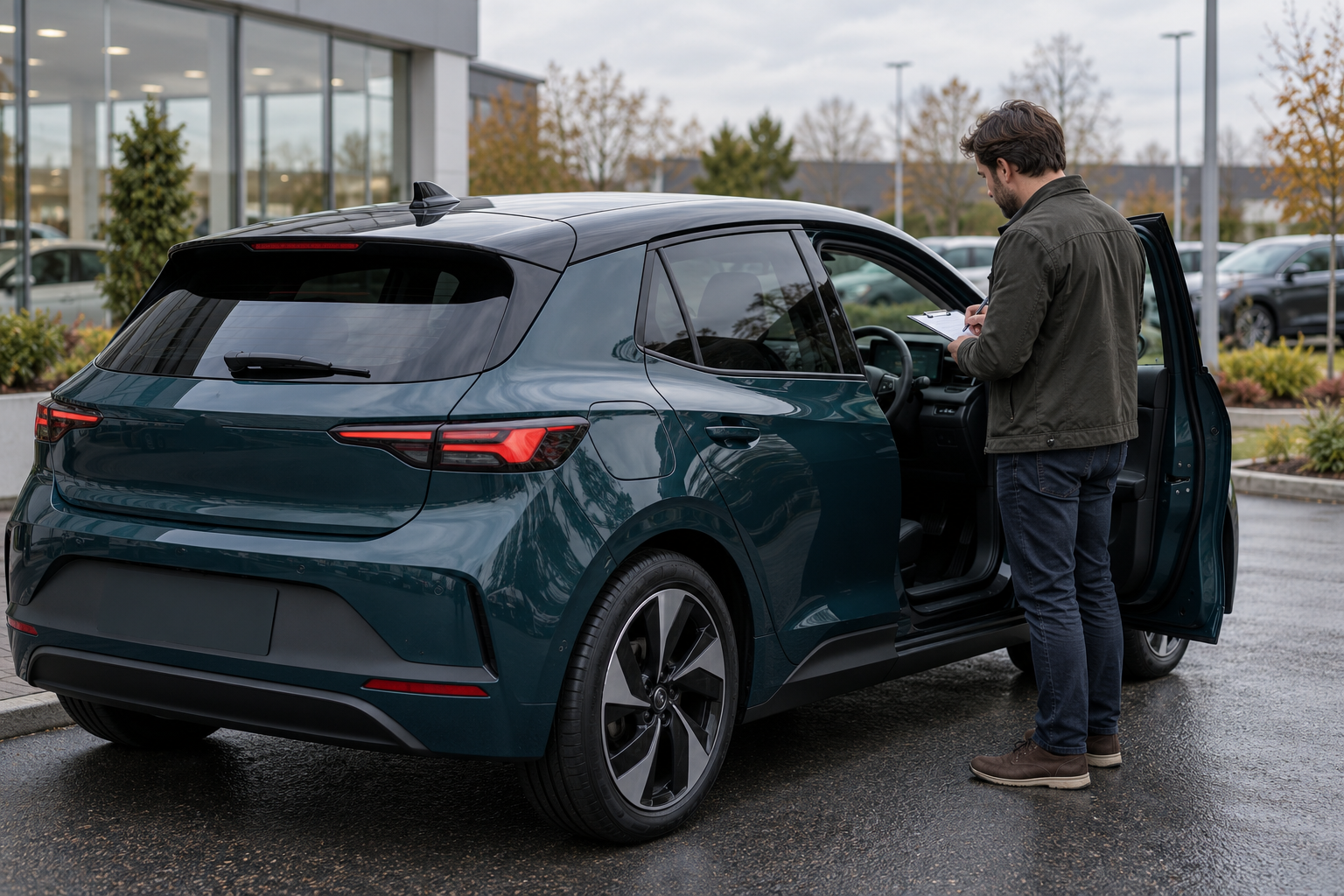
A useful car walk-around video is not a commercial. It is a structured, current look at the exact vehicle a buyer asked about. The goal is to help the buyer locate visible condition, confirm basic details and decide what to inspect next.
This guide is for private sellers and dealership staff filming real footage of a real vehicle. It does not assume that AutoDream or another marketplace records, verifies or publishes video automatically. A video cannot replace an in-person viewing, a vehicle-history report, a recall check or an independent mechanical inspection. The illustration above is fictional and is not a real listing or customer interaction.
1. Start with the buyer's unanswered question
Read the buyer's message before opening the camera. If they asked about a scratch, cold start, cargo area or warning light, place that item in the shot list. A generic circle around the car is less useful than a video that resolves the specific uncertainty.
Confirm that you are filming the correct vehicle. Match the listing link or stock number, year, make, model and current location. If two similar vehicles are parked together, do not rely on paint color alone. Record the date and, for a dealership, the staff member responsible for checking the facts.
Write a short plan before filming:
- one exterior identity pass;
- the current odometer display with its unit;
- each condition point already disclosed in the listing;
- the buyer's requested areas;
- the cabin and cargo area;
- any item that still needs a separate document or professional check.
Keep claims within what the footage actually shows. The FTC's truth-in-advertising overview explains that the same standards apply to online advertising as to other media. A video should clarify a truthful listing, not create an impression the records or vehicle cannot support.
2. Prepare the scene without disguising the car
Park the vehicle legally on a level, quiet surface with enough space to walk around it. Film while the vehicle is stationary. Do not hold a phone or direct the recording while driving; if a buyer needs driving footage, use a safe arrangement that complies with applicable law and does not distract the driver.
Use open shade or soft daylight so paint, glass and interior surfaces are readable. Harsh reflections can hide a dent, while a dark garage can conceal scratches and warning indicators. If one surface disappears in glare, change your angle and film it again.
Remove unrelated belongings, paperwork and trash, but do not use cleaning, staging, filters or editing to hide stains, damage or wear. Cover or move personal documents, house keys, access badges and customer information. Check the background for a home address, another vehicle's readable plate or a person who did not agree to appear.
Clean the phone lens, silence notifications and hold the phone horizontally unless the buyer or destination requires another format. Use the rear camera when practical. Turn off beauty filters, portrait blur and color effects that change how surfaces appear.
3. Film one slow exterior pass
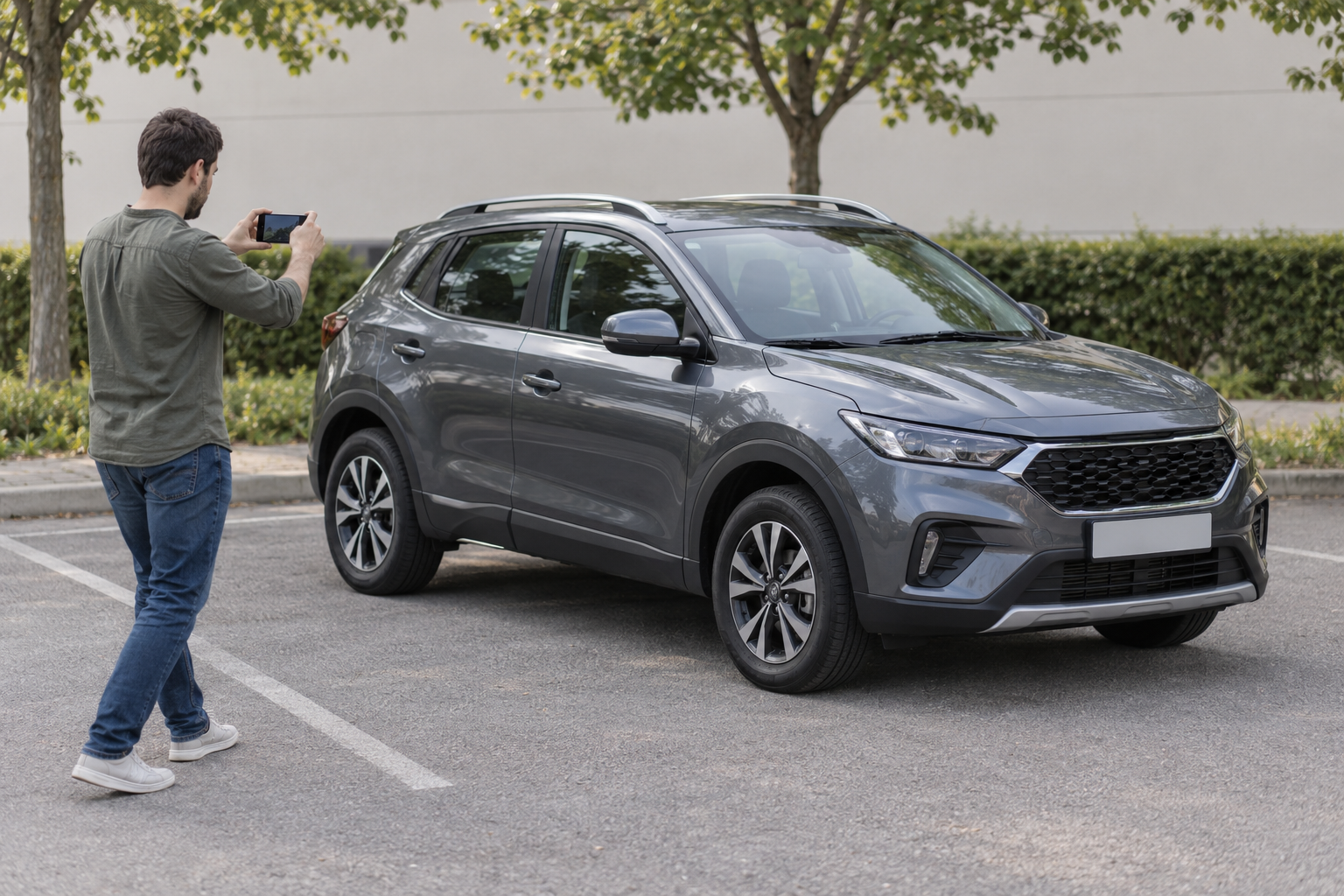
Begin far enough away to show the entire vehicle. State the date, the vehicle identity you have verified and the purpose of the video. Do not read a full VIN aloud or display private paperwork merely to establish identity.
Walk in one consistent direction: front three-quarter view, passenger side, rear, driver side and back to the front. Pause at each corner. Keep the camera far enough away that the buyer can understand where a later close-up belongs.
Show the roof, glass, lights, wheels and tires without making unverified claims about their remaining life or performance. If you mention tire size, date codes or tread measurements, make sure the numbers are readable and explain who measured them and when. A smooth pan is more useful than quick zooms or cinematic transitions.
If the video contains cuts, say why. A cut used to move from outside to inside is ordinary; a sequence of selective cuts around a damaged panel can mislead. Retain the original footage until the buyer has had a reasonable opportunity to review what was sent.
4. Show every known condition point in context
For each disclosed scratch, dent, chip, stain, tear or scuff, use three views: a wide shot that identifies the area, a medium shot that locates the mark, and a steady close-up. Our guide to describing scratches, dents and interior wear gives matching wording for the listing.
Describe only what you can observe. “There is a scratch on the lower passenger-side rear door” is an observation. “It will polish out” is a repair conclusion unless a qualified source has assessed it. If you do not know what caused a mark or whether paint is broken, say so.
Do not move the camera so quickly that a defect becomes a blur. Do not wet a panel, increase contrast selectively or place a hand over the damaged area. If the buyer requested a measurement, include a ruler or another clear reference without covering the mark.
When the video reveals something not stated in the listing, stop and update the written description and relevant photographs before directing more buyers to the ad. The video and listing should describe the same current car.
5. Record the cabin and displays carefully
Open each area slowly and let the camera adjust to the interior light. Show the driver's seat, steering wheel, dashboard, center controls, passenger seats, rear seats and cargo area. Point out visible wear in the same order used in the listing.
Show the current odometer reading clearly and state whether it is miles or kilometers. Avoid filming registration documents, contact lists, saved navigation addresses, paired-phone names, messages or account screens. Clear private data or frame the shot so it is not captured.
If the buyer asked for a startup, begin with the instrument panel visible and record the sequence without claiming that a short clip proves every system works. Explain whether the engine was cold only if you have a reliable basis for that statement. A warning indicator, unusual sound or message should be shown and described, not cropped out or dismissed without diagnosis.
Demonstrate equipment only when it is safe and you have checked the exact control. A button lighting up does not prove that the connected system works correctly. Separate appearance, operation and professional diagnosis in your narration.
6. Keep mechanical and safety claims within the evidence
A phone video can record sound and visible behavior, but microphone processing, wind, distance and playback equipment can change what the buyer hears. Do not use a quiet recording to promise that the engine, transmission, brakes or suspension have no problems.
The FTC's used-car buying guidance says a vehicle-history report is not a substitute for an independent inspection because reports typically do not list mechanical problems. A walk-around video is even narrower: it is a dated visual record from selected angles. Encourage the buyer to arrange an appropriate in-person or independent check rather than treating the clip as a condition certificate.
Recall status also requires a separate current check. For a U.S. vehicle, NHTSA's recall lookup can identify certain unrepaired recalls using a VIN or license plate. Save the check date and share the result within the limits NHTSA lists. Do not say “no recalls” merely because no warning appears in the video.
7. Send the video with a short fact note
Before sending, watch the complete exported file with sound. Confirm that it opens, is oriented correctly, includes the requested areas and contains no private information. Do not assume a hidden preview frame or blurred thumbnail protects content that appears later in the recording.
Give the buyer a short note that identifies:
- the vehicle or listing link;
- the date and approximate time filmed;
- the areas requested and where they appear;
- anything not shown or not checked;
- the next practical step, such as a close-up, live call, viewing or independent inspection.
Use a file-transfer method you trust and follow the marketplace or dealership's communication policy. Be cautious if a supposed buyer redirects the conversation toward an unfamiliar report site or unusual payment request. The FTC has warned about vehicle-history-report scams targeting online car sellers; a video request does not require you to buy a report from a buyer-selected site.
A practical five-minute shot list
| Time | Shot | What to say |
|---|---|---|
| 0:00–0:30 | Whole vehicle and identity view | Date, verified vehicle details and buyer's requested areas. |
| 0:30–1:45 | Slow exterior pass | Panel, glass, wheel and light condition you can observe. |
| 1:45–2:30 | Known defects | Exact location, approximate size and what remains unknown. |
| 2:30–3:30 | Cabin, odometer and cargo area | Displayed reading with unit, visible wear and included items. |
| 3:30–4:15 | Requested startup or feature check | What is being demonstrated and the limits of the clip. |
| 4:15–5:00 | Buyer-specific follow-up | Answer the original question and name the next verification step. |
The times are a planning example, not a required length. A two-minute video that answers the actual question is better than a long recording filled with fast, unclear footage.
Walk-around video checklist
- Confirm the exact vehicle and buyer's unanswered question.
- Film the stationary vehicle in safe, even light.
- Remove private information without hiding vehicle condition.
- Turn off filters and effects that change surfaces.
- Start with a wide exterior identity pass.
- Show every known defect with wide, medium and close views.
- Record the current odometer with its unit.
- Keep warning indicators and unusual sounds visible when relevant.
- Separate observation from diagnosis or guarantee.
- Explain cuts, missing areas and checks not performed.
- Watch the exported file completely before sharing.
- Send the filming date, vehicle link and next verification step.
A trustworthy walk-around lets the buyer orient themselves: this is the vehicle, this is its visible condition today, these are the questions the video answers, and these are the checks that still belong outside the camera frame.
Ready to list your car?
Put your vehicle details and photos together, then start your listing on AutoDream.
Create your listing