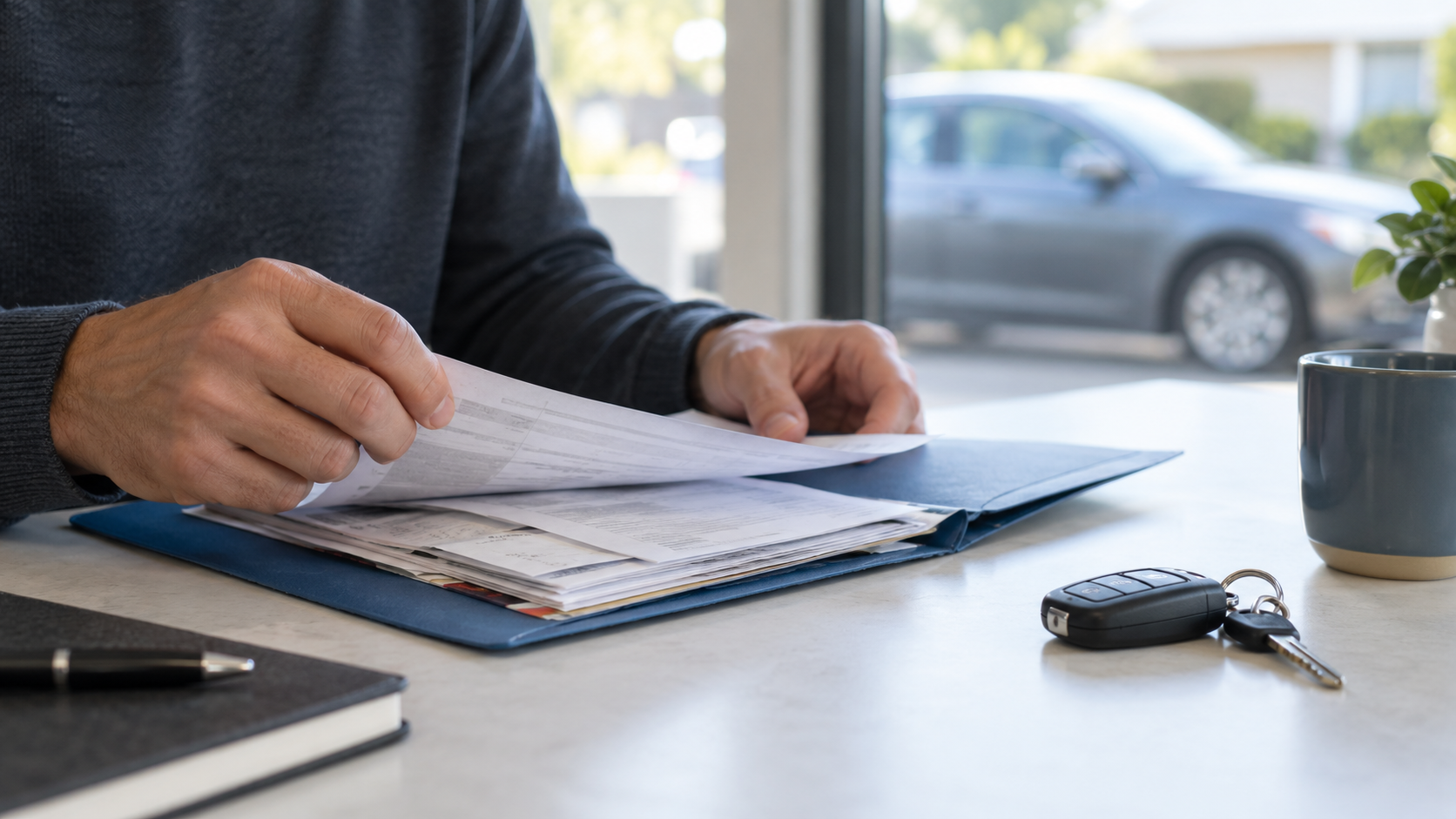
Show a buyer the records that explain what was done to your car, when it was done, and which vehicle the work belongs to. Start with a short summary and the supporting invoices, not an unsorted folder of personal paperwork. Keep unedited originals, and prepare separate copies for sharing.
This guide is for private sellers organizing a service-record pack before a viewing. It is not a list of the legal documents needed to transfer ownership. Use actual records for your vehicle; the illustration above is fictional and is not a sample invoice or proof of maintenance.
1. Choose records that answer a vehicle question
Gather dated maintenance invoices, completed repair invoices, available service-book entries and relevant inspection reports. The California Bureau of Automotive Repair recommends keeping service and repair records because they document the work and timing and can be useful when selling a car. You can use the organizing approach below wherever you sell, without assuming California's repair-shop rules apply elsewhere.
| Record | What to point out | Limit to explain |
|---|---|---|
| Completed service invoice | Date, recorded mileage and the exact maintenance listed | One visit does not establish the car's entire maintenance history. |
| Repair invoice | Which components were repaired or replaced, and any remaining recommendations | A recommendation or estimate is not evidence that the repair was completed. |
| Service-book or digital-history entry | Vehicle identity, visit date and the details actually recorded | A brief entry may not identify every part or task; include the invoice when available. |
| Parts receipt and your own maintenance log | What you bought and what you personally recorded doing | A purchase receipt alone does not show installation. Label owner-performed work accurately. |
| Inspection report | Inspection date, vehicle identity, findings and any later documented repairs | The report describes that inspection, not a guarantee of today's condition. |
Keep title, registration, finance and identity paperwork separate from this service pack. Do not send a bundle of unrelated documents simply because a buyer asks for “all the paperwork.” Clarify which vehicle question they need answered.
2. Check each page before summarizing it
Match the vehicle information on the document to your car. If a VIN is shown, compare it carefully with the vehicle; do not rely on a matching make and color. Separate any receipts for another car in your household.
For each useful record, note the date, odometer reading with its unit, description of completed work and where the supporting page can be found. If a date or mileage entry looks inconsistent, mark it as unresolved and ask the issuing shop to clarify. Do not silently correct the original or invent a missing reading.
Read beyond the invoice total. A page may include both work performed and work suggested for a future visit. Keep those categories distinct. If the paperwork says “front brake pads replaced,” do not summarize it as “all brakes replaced.” If a later repair resolved a previously noted issue, show both records and explain the sequence.
3. Put a one-page index at the front
A short index helps the buyer find evidence without treating your summary as independent verification. Use one line per visit and number the supporting documents. A simple filename such as 2026-05-14-front-brake-pads-copy.pdf is easier to navigate than a camera's default filename. Keep a multi-page invoice together.
Here is a fictional example of an index entry, not an actual AutoDream vehicle record:
Document 03 — May 14, 2026 — 62,410 miles — Front brake pads replaced, as listed on the completed shop invoice. The same invoice recommends checking the rear brakes. I do not have a record showing that later check was completed.
At the top of the index, state the period covered by the documents you hold. For example: “Records available from March 2023 to May 2026; earlier records are not in my file.” Do not call a folder “full service history” merely because it contains several invoices.
If you want to compare recorded services with scheduled maintenance, use the manufacturer's manual for the actual vehicle and its applicable operating conditions. BAR identifies the owner's manual as the source for the recommended maintenance schedule. Do not insert a generic oil-change or belt-replacement interval into the summary.
4. Make a separate, privacy-conscious sharing copy
Keep the originals unchanged. For the copies you plan to send, remove unrelated home addresses, personal phone numbers, personal email addresses, payment details, customer-account identifiers and previous owners' private information. Check every page, including attachments, QR codes and barcodes that may encode those details. Leave the actual service information and issuing business details readable wherever possible.
Use a redaction method that removes the underlying information, not a movable box placed over it. Reopen the exported copy and check whether the removed information can still be selected, copied or found through search. For a photograph of a paper copy, check the edges and background for other private documents. If you cannot verify a digital redaction, do not send that file yet.
Explain any obscured field that affects verification. Agree on an appropriate way for a serious buyer to match the record to the car; do not present an anonymized page as fully verified evidence. Never hide a defect, advisory or mileage discrepancy under the label of privacy.
5. Share the summary first, then relevant evidence
In the public listing, describe the available records briefly. When someone asks about a specific repair, send the relevant prepared copy rather than the entire folder. Have originals available for an appropriate viewing or verification step.
Adapt this suggested message to the documents you actually have:
I have service and repair records from [month/year] to [month/year]. They include [specific documented work]. I can send a copy of the relevant invoice with unrelated personal and payment details removed. The original is available to review at the viewing. Which maintenance or repair would you like to check?
Replace all bracketed fields before sending. Do not promise access to a previous owner's records or a manufacturer's online account. If additional history might be available from a shop, ask what it can lawfully provide and what verification it needs.
6. Keep records separate from condition and coverage claims
An invoice documents recorded work; it does not establish that every system is fault-free now. The FTC's used-car guidance says that a vehicle history report does not replace an independent mechanical inspection. That guide concerns dealer purchases, but the distinction is useful for a private seller too: offer your records without discouraging a buyer's own checks.
If you mention remaining warranty or service-contract coverage, keep its documents separate and verify the applicable terms before making a claim. The FTC advises checking whether a service contract can transfer when a vehicle is sold and whether a fee applies. A repair invoice alone is not a promise of transferable coverage.
Before you send the pack
- Every included record belongs to this vehicle.
- The index matches the dates, mileage units and work actually shown.
- Completed work is separate from estimates and recommendations.
- Missing records and unresolved inconsistencies are stated plainly.
- Sharing copies have been checked for private information; originals remain unchanged.
- No document is described as proof of current condition or coverage beyond what it supports.
Use the verified summary to keep your advertisement and buyer messages consistent. For the rest of the appointment, follow the seller's viewing preparation checklist. If you also need to explain visible wear, see how to describe scratches, dents and interior wear.
Ready to list your car?
Put your vehicle details and photos together, then start your listing on AutoDream.
Create your listing